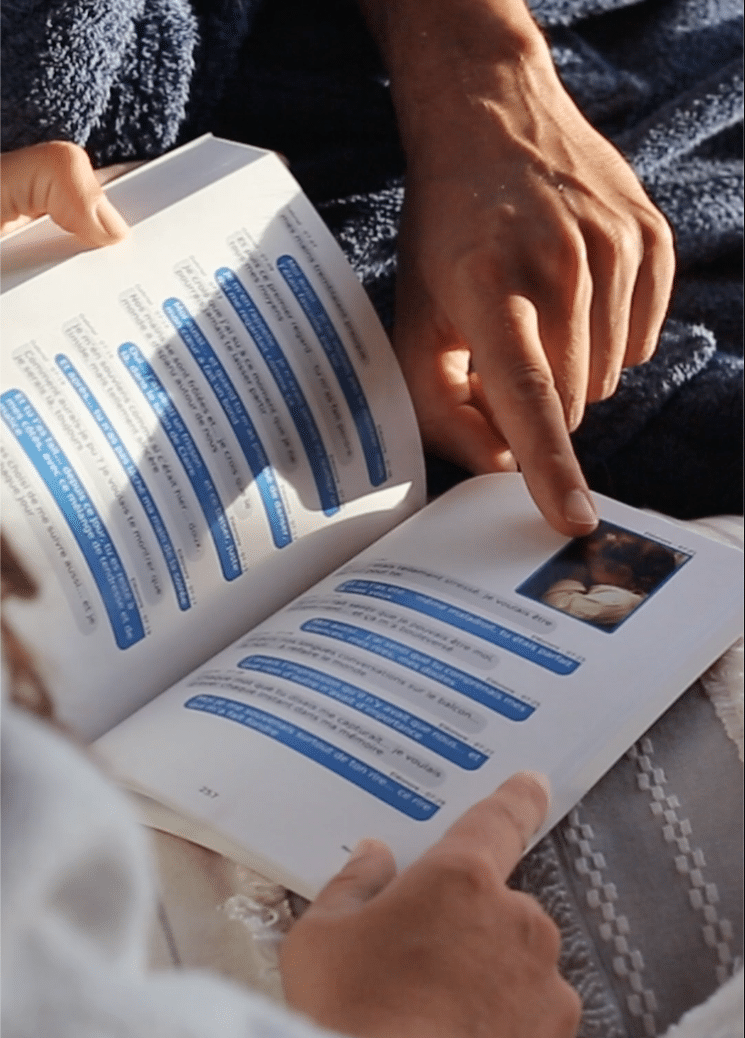
Turn your conversations into a premium souvenir book in just a few minutes. No technical skills required.
Select your mailbox and export your messages in just a few clicks. Your data remains 100% private.
Choose your dates, add a dedication, select the cover. Preview the result in real time.
Your book is printed with care and delivered worldwide free of charge. Digital PDF available instantly.
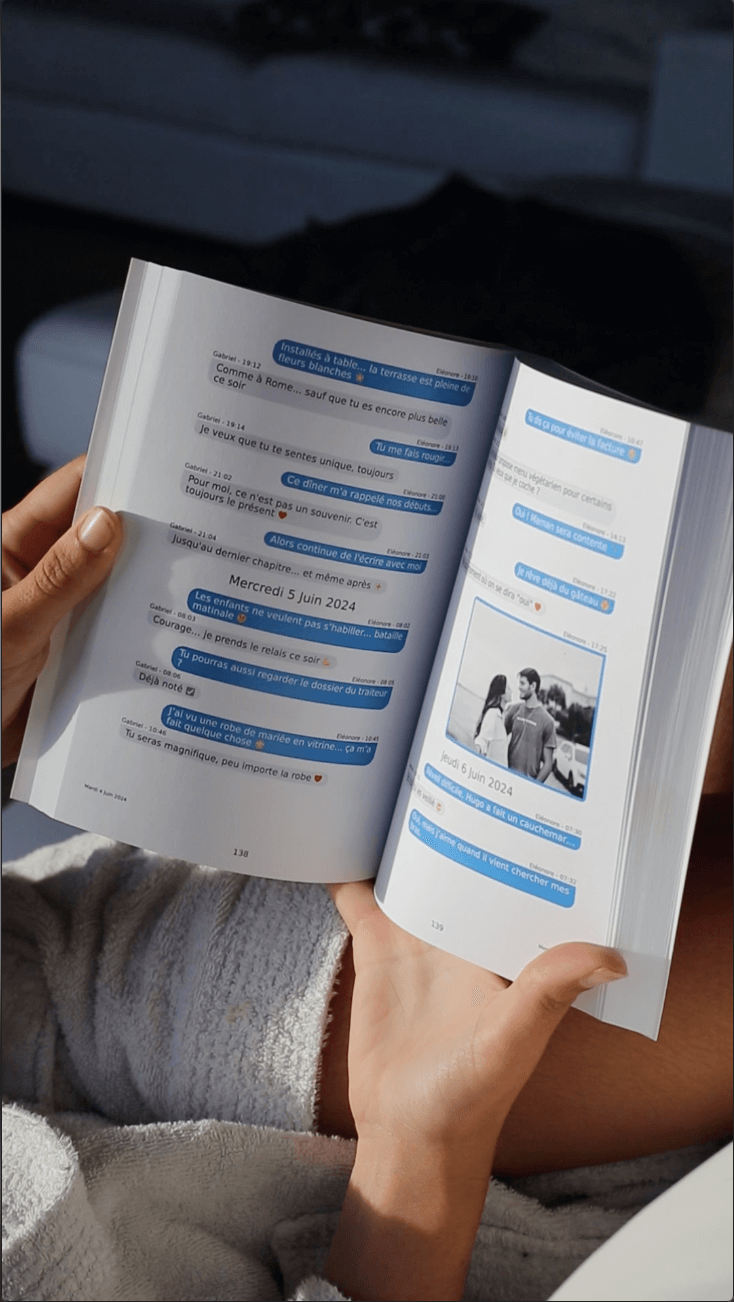
Your message exchanges (WhatsApp, Instagram...) contain your fondest memories. Turn them into a precious object that will last for generations.
High-resolution printing, thick premium paper, neat binding
No more risk of losing your precious conversations
Scan to relive your voice and video messages
Complete, free guide to saving your Facebook Messenger message history and turning it into a personalized paper book. Tutorial updated in 2026 with screenshots.
Since December 2023, Facebook Messenger has offered two distinct types of chat: Classic Messages and Encrypted Messages (with end-to-end encryption enabled).
How do you know what kind of messages you have?
Case 1: You've never activated encryption
If you've never activated end-to-end encryption in your Messenger settings, your chats are classic messages only. In this case, use the "Classic Messages" tab below.
Case 2: You have activated encryption
If you have activated encryption for certain chats, you must download the two archives separately to recover your entire history:
→ Archive 1: Classic messages ("Classic messages" tab)
→ Archive 2: Encrypted messages ("Encrypted messages" tab)
Important: If you have activated encryption after having already started a chat, some of your messages may be found exclusively in the encrypted message archive, even if the chat was started before activation. It is therefore essential to download both archives to avoid losing anything.
Once both archives have been downloaded and imported into your MonLivreSMS account, you can merge the two chats to create a complete book with all your messages in a single chronology.


Now that you know how to export your Messenger messages, create your own personalized book in just a few clicks. Print your memories in a premium-quality bound book that will stand the test of time.
I create my Messenger book now
Discover why thousands of people trust us
to immortalize their precious moments.