
Your story

Create a book from Snapchat
A one-of-a-kind gift, from you: no one else could give this.
Your messages stay private: only the conversation you choose is used.Export your Snapchat conversations in 3 steps:
1
In the app: tap your avatar → settings (gear icon) → Privacy → My Data. You can also use the link above.
2
Log in if asked, then tap Submit a Request at the bottom: Snapchat will email you when your archive is ready (a few hours to 1 day).
3
Download the .zip from the email, then add it below: don't unzip it: you'll pick the chat afterwards.
Snapchat export: detailed guide
Follow each step with the screenshots below. You can also use the button above to open My Data directly and skip to step 4.
Step 1 of 9
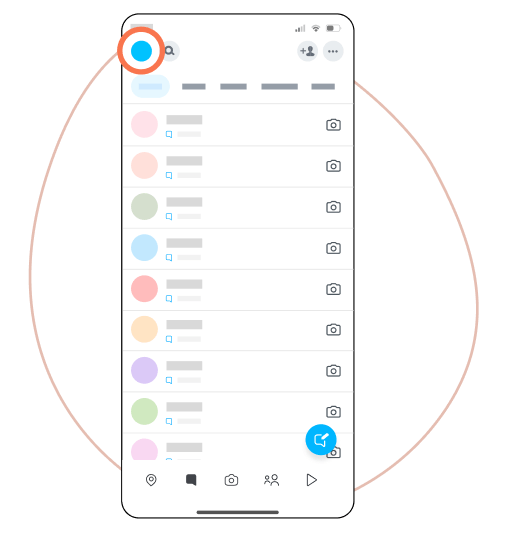
Open Snapchat and tap your profile picture.
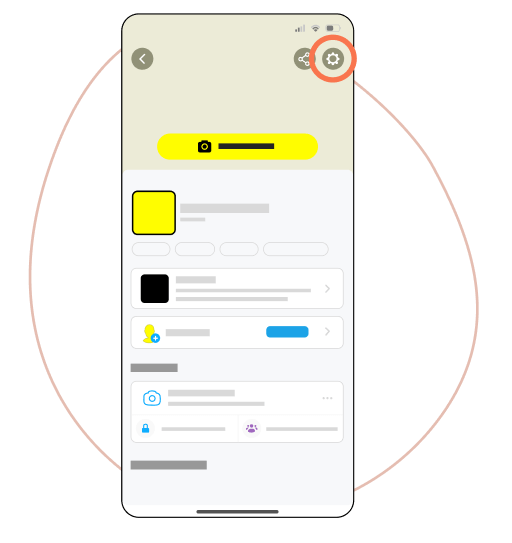
Tap the gear icon to open settings.
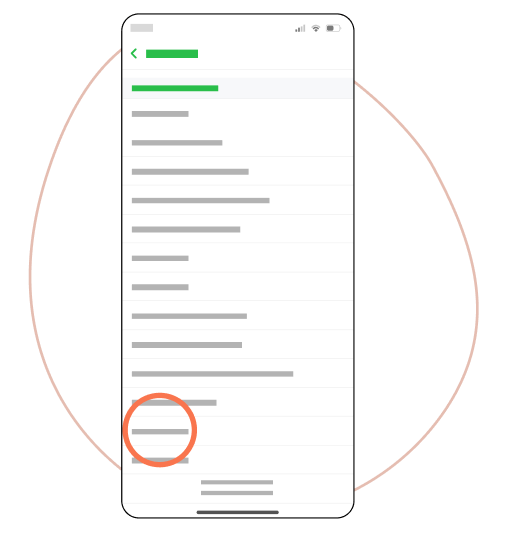
Scroll down to Account Actions, then tap My Data. You can also use the button above.
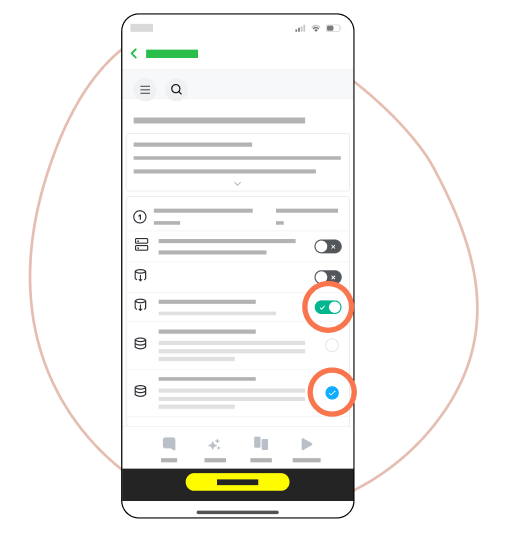
Check Chat History, choose JSON and HTML formats, then tap Next.
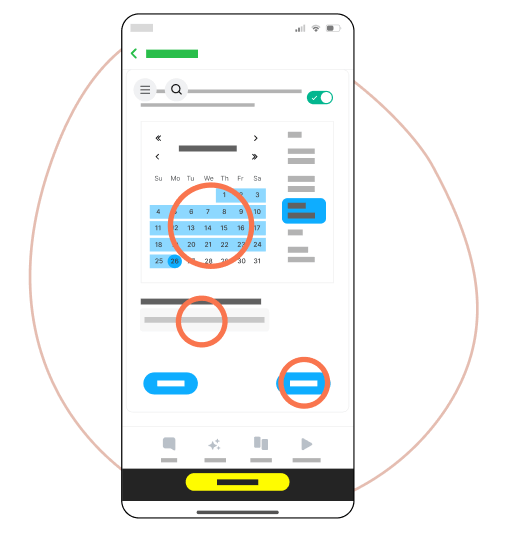
Choose the desired date range, confirm your email address, then tap Submit.
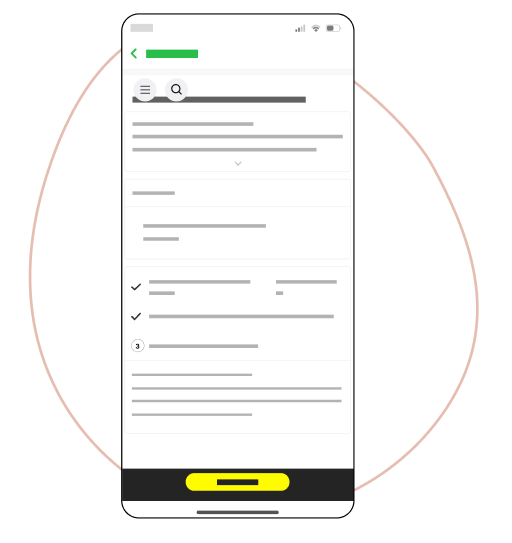
Snapchat will email you when the export is ready: this can take a few hours to several days.
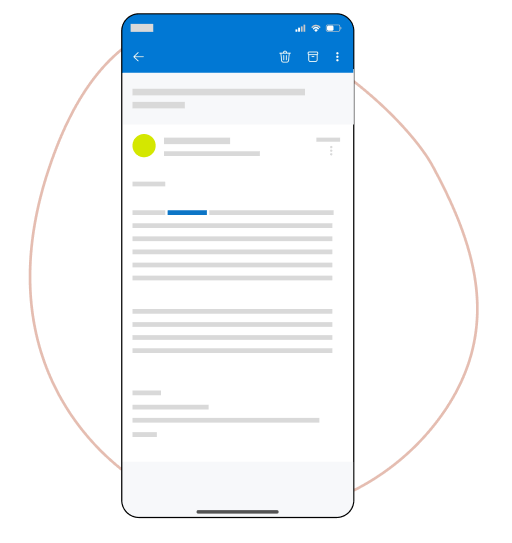
When you receive the email, click the link to access your data.
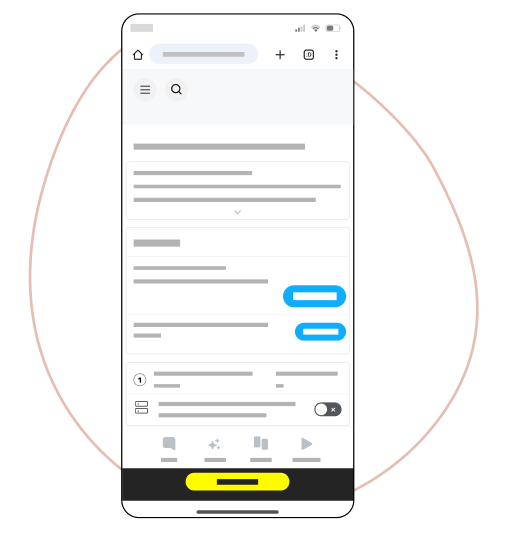
On Snapchat, tap View Export, then Download.
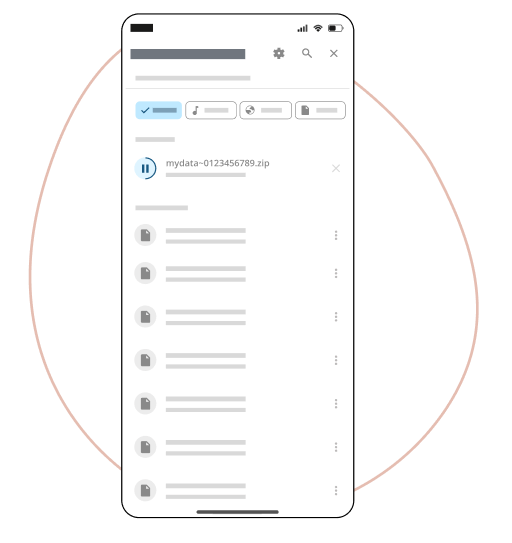
Download the complete .zip file to your device, then add it below: don't unzip it. We'll only use the chat you pick next.