
Your story

Create a book from Telegram
A one-of-a-kind gift, from you: no one else could give this.
Your messages stay private: only the conversation you choose is used.Export a Telegram chat in 4 steps:
1
Install Telegram Desktop on your PC or Mac (link above), then open the conversation you want to turn into a book.
2
Click the three dots at the top right → Export chat history.
3
Check photos, videos and files, keep HTML format, then click Export and wait for the download to finish.
4
Compress the exported folder into a .zip (right-click → compress), then add it below: don't unzip it: you'll confirm your options afterwards.
One conversation at a time. Include media in the export for an illustrated book: upload the complete .zip as is.
Telegram export: detailed guide
Follow each step with the screenshots below. Use the button above to download Telegram Desktop, or skip to step 2 if it is already installed.
Step 1 of 6
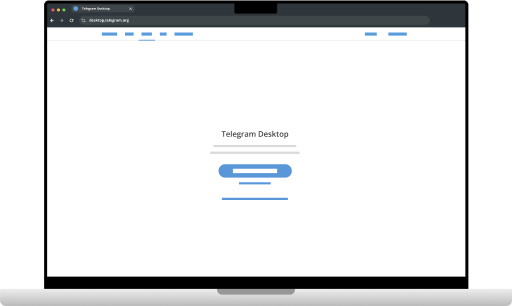
Download Telegram Desktop for your computer using the link above, then install the app.
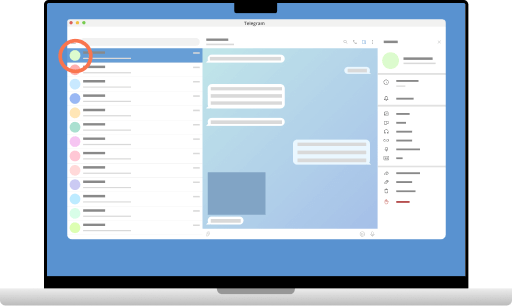
Open the conversation you want to turn into a book.
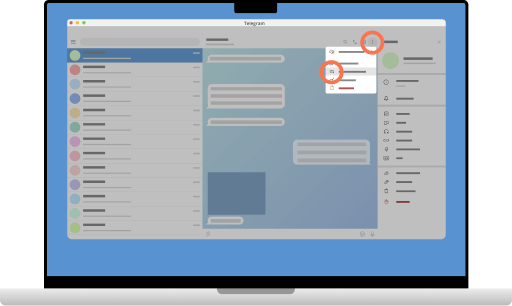
Click the three dots at the top right, then Export chat history.
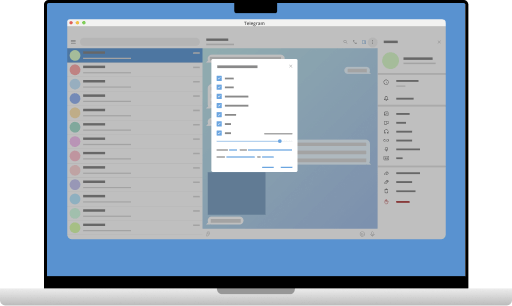
Check all file types (photos, videos, voice messages, etc.), set the max file size to 1500 MB and choose JSON and HTML formats.
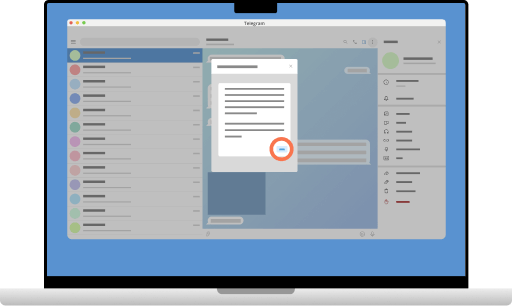
Click Export at the bottom right to start the export.
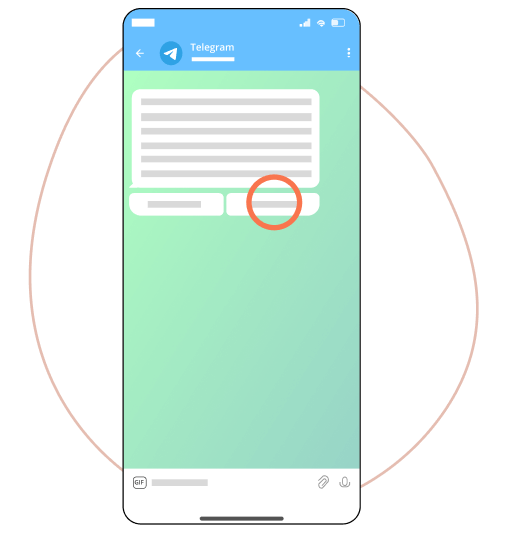
On your phone, tap Allow if prompted. Compress the exported folder into a .zip, then add it below: don't unzip it: you'll confirm your options afterwards.